Choose the deployment
Identify the workspace and infrastructure you are using.
Match the component
Separate the server, Agent, administrator console and remote client.
Confirm compatibility
Validate your actual release and required functions in a pilot.
A component map, not a universal compatibility promise
DeskGate documentation covers several components with different responsibilities. Installing one component does not establish that every feature runs on that device or operating system. Use this map to identify what you need, then verify the supported release and license before deployment.
The illustrated workflows cover Windows endpoints, the self-hosted Windows server setup, the browser management console and GoMyid Android remote access. This guide does not establish macOS, Linux or iOS monitoring support, a minimum Android version or a complete Windows-version certification list.
Self-hosted server and database
The documented customer server installer requires 64-bit Windows and administrator access. Its Release workflow prepares the local GOMYID SQL instance and the GoMyidServer and GoMyidCore services. Confirm the chosen Windows version and upgrade path for the actual supplied release.
The server is infrastructure for the deployment. It is not the endpoint Agent, and an Android remote-access application does not replace it. Plan network reachability, storage, backups and the management-console address separately.
Use installation prerequisites and the server installation guide for preparation.
Windows endpoint and browser management
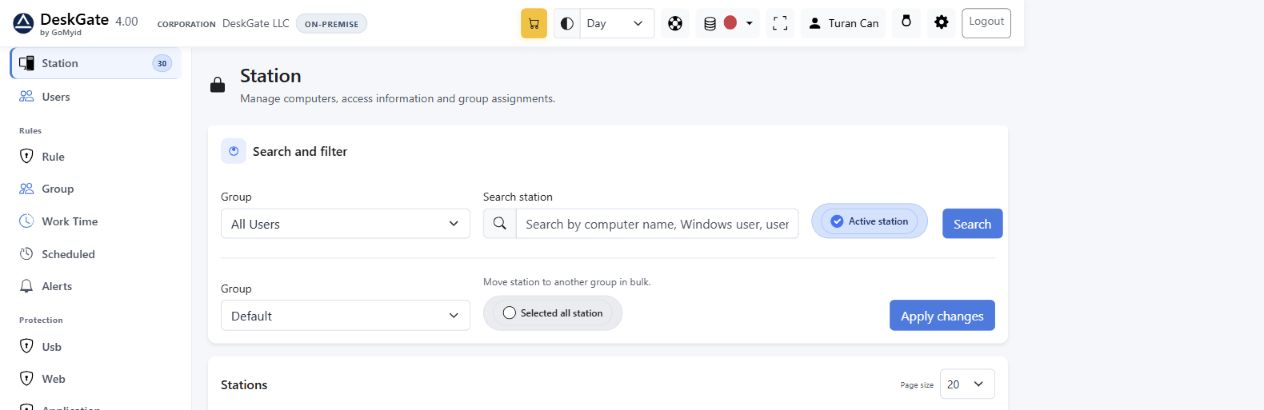 Actual DeskGate interface with demonstration data. The example values are not customer results or deployment benchmarks. Open the image at its original size.
An organization-specific Windows Agent connects the endpoint to the selected management environment. Cloud and On-Premise packages are different setup choices. Choose the package for the intended organization and workspace.
The browser console lets an authorized administrator review the managed devices and permitted reports. Opening the console in a browser does not install an Agent on that browser's device or turn it into a monitored endpoint.
Cloud endpoint installation does not require you to install a local DeskGate server or SQL database. Verify the service arrangements and available features for the chosen workspace. Follow the client installation guide and validate the first device and report.
Android remote access has a different role
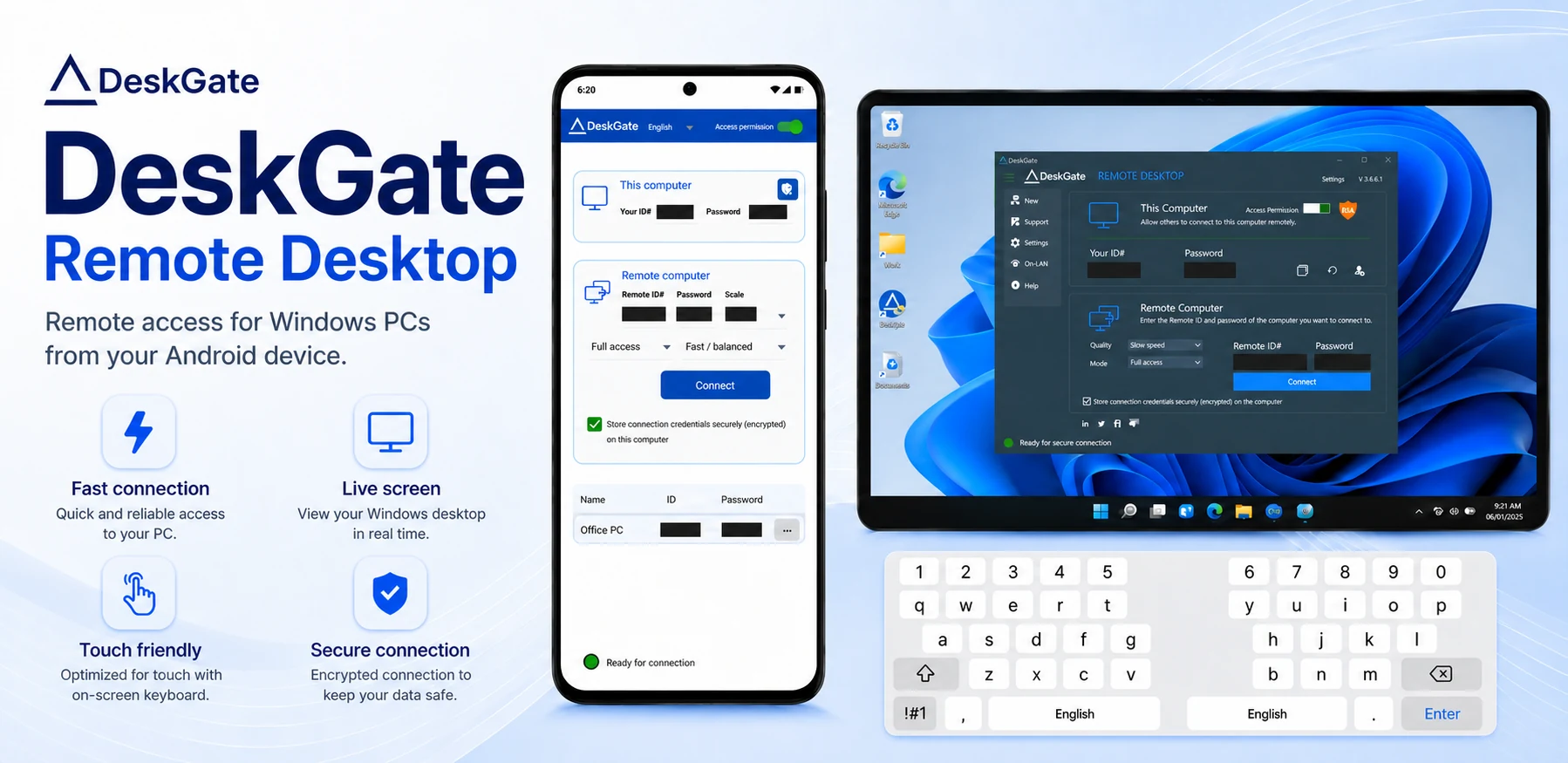 Product screenshot of Android remote access. It illustrates a remote connection, not Android employee-activity collection. Open the image at its original size.
The GoMyid Android client provides a remote-access workflow to a prepared, authorized Windows computer. It should not be described as proof that DeskGate's Windows monitoring Agent or every desktop administration function runs on Android.
Check the installed client's available modes, connection requirements and release support for the task you intend to perform. Test the required interaction on a pilot device rather than assuming feature parity across Windows and Android.
Confirm the required feature, not only the platform name
- Collection: verify the Agent, group rule and applicable collection settings.
- Review: verify the administrator's page permission and device/group coverage.
- Remote access: verify the client, target readiness and authorized connection mode.
- Reporting: confirm the data exists for the chosen period and that the reviewer can access it.
- Licensing: confirm the required categories and deployment are included in the selected package.
For an unclear requirement, provide the exact operating system, server and client releases, deployment type and desired function in a support request. Obtain confirmation before a wider rollout.