DeskGate solution guide
DeskGate Security and Data Protection Guide
Understand connection encryption support, protected stored fields, access responsibilities, Audit and SIEM in a DeskGate deployment.
 Product illustration. Original interface examples and explanations appear below.
Separate connection protection, stored data and administrative access
DeskGate security evaluation should cover the path from an endpoint connection to stored information, report access and exported files. The controls at each stage have different purposes. This guide explains the documented capabilities and the configuration questions to resolve for a specific deployment.
- Connection protection: verify the client/server versions and active cryptographic settings.
- Stored information: identify protected fields, database-file protection and backup controls separately.
- Access: assign administrative and reporting permissions according to responsibility.
- Evidence: use Audit and SIEM for their distinct review purposes.
RSA-2048 and AES-256 support
DeskGate connection security options include RSA-2048 and AES-256. RSA is an asymmetric algorithm; AES is a symmetric algorithm. Their names describe cryptographic building blocks, while the deployed versions and active configuration determine where they are used.
During a technical evaluation, ask for confirmation of the connection paths, negotiated or configured settings and key-management responsibilities. This page does not claim that every component uses AES-256 or that an algorithm name alone guarantees the security of a complete deployment.
Understand the scope of encrypted database fields
The inspected application code encrypts protected secret fields before storing them. This is a field-level protection mechanism. It should not be described as automatic encryption of every activity record, screen recording, database file or backup.
- Identify which secrets and business records are protected at the application layer.
- Document who can access the database, storage volumes, encryption keys and backups.
- Choose and validate database and storage encryption controls for the actual environment.
- Test recovery, key availability and backup access as part of the deployment plan.
Self-hosting gives your organization responsibility for its infrastructure and operational controls. It does not remove the need for permissions, patching, backup testing and access reviews.
Audit, Security Monitoring and SIEM answer different questions
Audit
Who performed an administrative action, when did it occur, and which records or values changed?
Security Monitoring
What connection, login or security events are available for the selected review?
SIEM
Which configured detection rules produced alerts, and how is the investigation recorded?
Documented detection scenarios include repeated login failures, permission changes and after-hours connections. Confirm enabled rules, alert ownership, severity and investigation history in the installed edition.
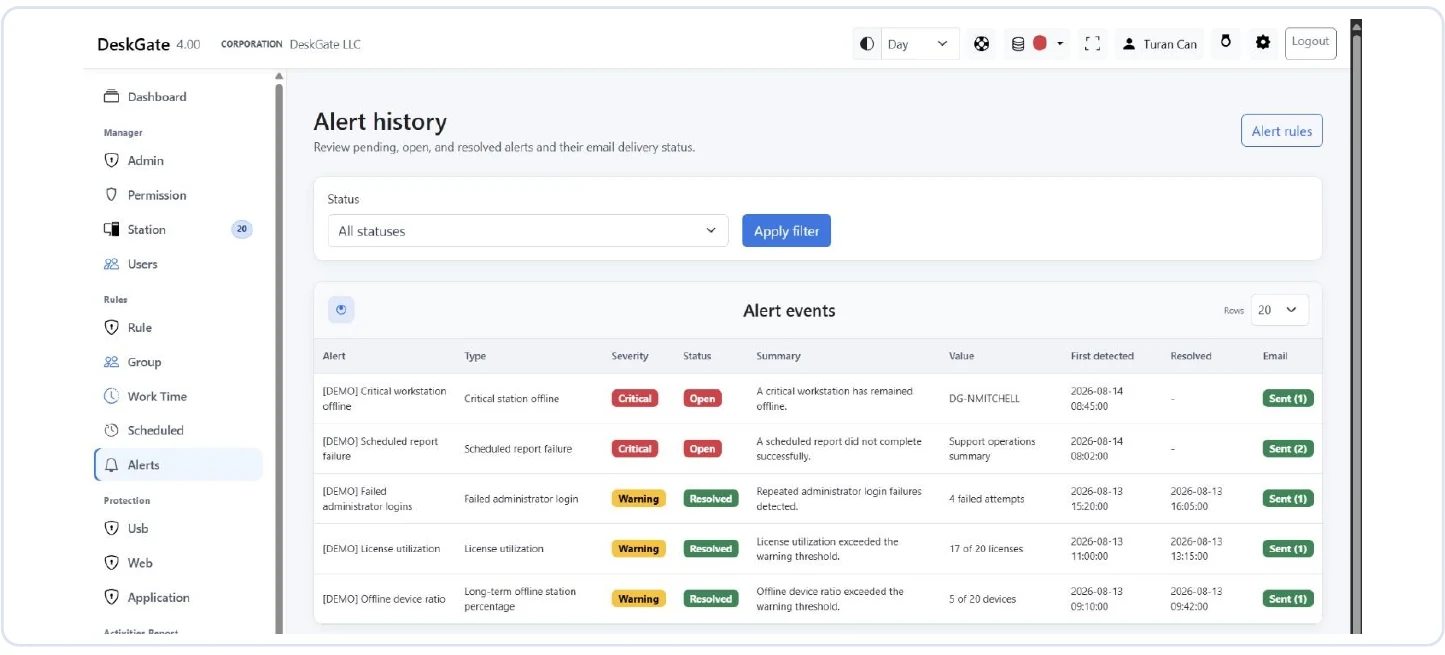 Original Security Alerts screen: the example shows no matching records, not an incident. Open the image to inspect the original report.
The supplied Security Alerts screen explicitly describes alerts as conditions to investigate, not proof of an attack. It also states that this workflow does not automatically block activity or send messages. An empty result can reflect the filters or the available data; it is not a guarantee that no security issue exists.
A practical access and evidence review
- Give each reviewer the scope required for their duties and review privileged access regularly.
- Limit access to detailed screen, keyboard, USB and sensitive-file evidence.
- Confirm the event timestamps and selected scope before correlating records.
- Assign investigation ownership and document the outcome.
- Set retention for source records, investigation evidence and exports separately.
An external SIEM connector should be evaluated separately from DeskGate’s SIEM workflow. Confirm the supported interface and event mapping before describing a third-party integration as available.
Questions for your technical evaluation
Ask the deployment team to demonstrate one authorized connection, a relevant stored-data control, a restricted reviewer account, an administrative audit event and a configured detection rule. Document the product version and settings used for the demonstration so the result can be repeated in your environment.
Read the report guide for evidence interpretation and the deployment planning guide for rollout preparation.
Explore the next part of your evaluation
To configure reviewer access and group scope, follow Administrator Permissions and Group Rules.
For recording-age settings and storage planning, see Data Retention and Disk Management.