DeskGate practical guide
Employee Monitoring vs Remote Desktop
Compare historical reporting and authorized live support, including the different roles of DeskGate and GoMyid.
By DeskGate · Published October 5, 2026
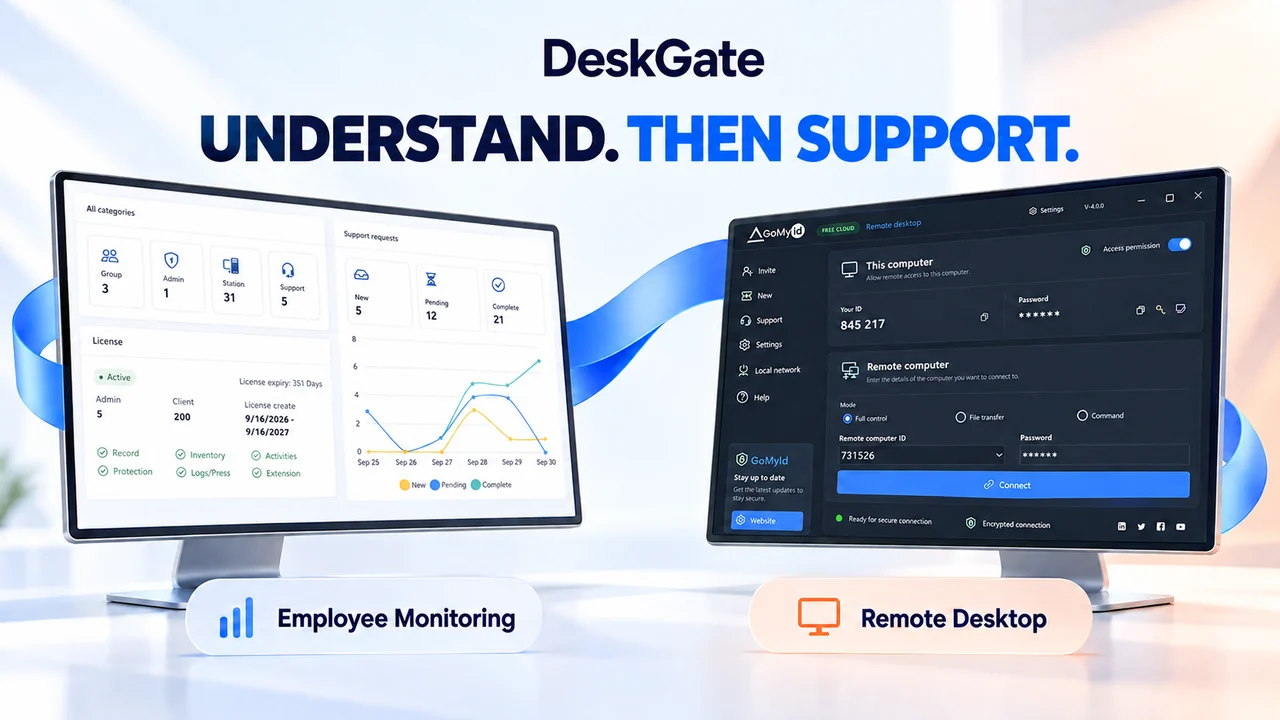 Concept illustration. Original product examples are identified below.
Two tools answer different questions
Employee monitoring helps authorized reviewers understand recorded activity, usage and operational context over a period. Remote desktop enables an authorized support session with another computer. One answers questions about records; the other provides a way to work with a remote endpoint.
Organizations may need both, but access to reports should not be treated as permission to control a device. Define the purpose and permitted actions for each workflow. DeskGate focuses on employee monitoring and related management workflows; GoMyid provides remote desktop capabilities within the wider product offering.
Compare the workflows
A workflow comparison, not a statement that every license includes every feature.| Question | Employee monitoring | Remote desktop |
|---|
| Primary purpose | Review recorded activity and management evidence. | Support or operate an authorized remote computer. |
|---|
| Time perspective | Selected periods and the available recorded history. | An active connection and the task being performed. |
|---|
| Typical action | Filter a report and inspect relevant detail. | View or control a screen, transfer a file or use an available command mode. |
|---|
| Permissions | Decide who can review which records and exports. | Decide who may connect and what actions the session allows. |
|---|
| Completion | Record a contextual finding and follow-up owner. | Confirm the support result and close the connection. |
|---|
Use DeskGate to establish context
Activity, management and support reports can help frame an operational question. For example, a support team may review the relevant device and reported incident before contacting the user. Start with the narrow scope needed for the task rather than browsing unrelated records.
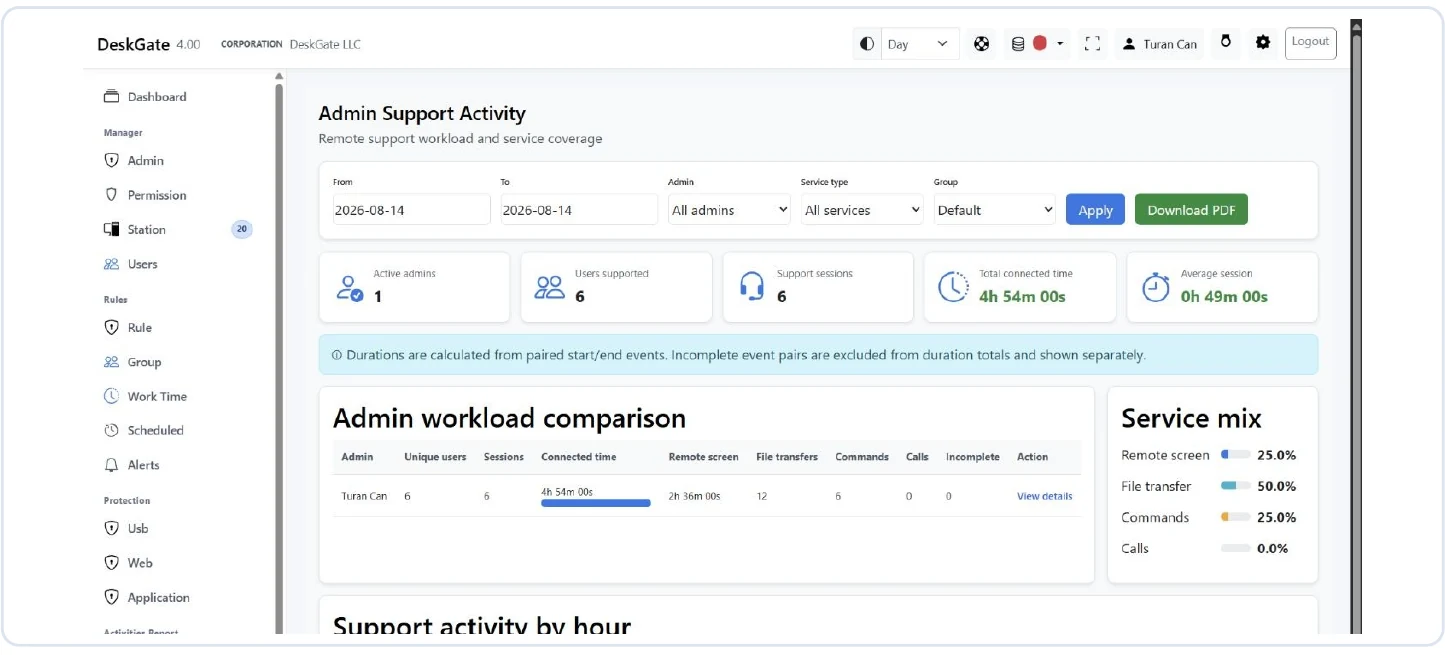 Original DeskGate support activity interface. Open the image for the original view.
A report may identify a question worth investigating, but it does not establish the cause by itself. Correlate the available evidence with the user’s description, device condition and support history. See how to read activity reports for a careful review method.
Use GoMyid for an authorized support task
The GoMyid Windows client presents Full control, File transfer and Command modes. Choose the mode that fits the approved task and verify the destination computer before connecting. The available behavior depends on product version, configuration and permissions.
For a display problem, a support session may help reproduce the issue with the user. If the task only requires a file transfer, evaluate that mode instead of assuming unrestricted screen control is necessary. Record the outcome through the organization’s support process.
Explore DeskGate’s remote desktop overview and the GoMyid Windows remote desktop page for product-specific details.
Connect the process, keep permissions explicit
- Receive and define the support question.
- Review only the relevant records you are authorized to access.
- Confirm the target device and authorization for remote access.
- Select the appropriate connection mode and perform the task.
- Confirm the result, end the session and document follow-up.
This is a suggested operating process, not a claim of automatic ticket-to-session integration. Verify any required integration, recording or audit behavior for the exact deployment.
Which capability do you need?
If your main requirement is historical reporting, evaluate the report catalogue, retention and reviewer permissions. If your main requirement is live assistance, evaluate connection modes, endpoint compatibility and access controls. If you need both, document the handoff and permission boundaries during the pilot.
Does monitoring automatically grant remote control?
No. Treat collection, report access and remote connection as separate authorization decisions.
Can remote desktop replace activity reporting?
A live connection is not the same as a reporting history. Assess each requirement against the actual package. The evaluation checklist helps keep these decisions explicit.
Continue your DeskGate evaluation
Request a guided demo