DeskGate buyer guide
Self-Hosted vs Cloud Employee Monitoring
Compare operating responsibilities, data location, maintenance and costs before choosing an employee monitoring deployment model.
By DeskGate · Published October 5, 2026
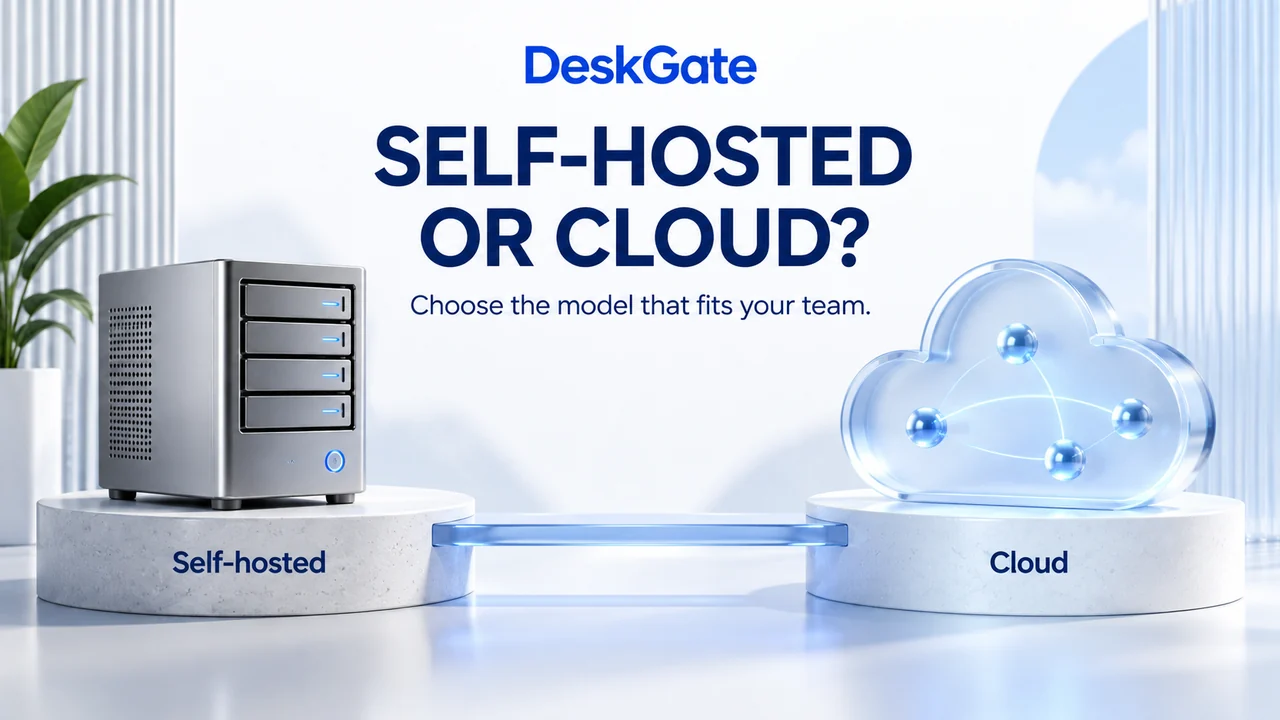 Concept illustration. Original DeskGate interface example appears below.
What are you choosing?
Self-hosted employee monitoring places the application and its operating environment under your organization’s administration. Cloud employee monitoring commonly means a vendor-operated software-as-a-service application. The useful comparison is who operates each component, where the records reside and what your team must maintain.
A self-managed installation on rented cloud infrastructure is still different from vendor-managed SaaS. Hosting location alone does not tell you who patches the application, manages access or restores a backup. This guide compares operating models; it does not describe two interchangeable DeskGate subscriptions.
For the underlying terminology, see the NIST definition of SaaS and IaaS.
Compare responsibilities before comparing feature counts
Questions to verify for the actual product, package and deployment.| Decision | Self-hosted deployment | Vendor-managed SaaS |
|---|
| Application operations | Assign owners for application updates, service health and deployment configuration. | Establish what the provider operates and what configuration remains your responsibility. |
|---|
| Data location | Document where the database, recordings, exports and backup copies actually reside. | Confirm available regions, subprocessors and the location of stored and exported data. |
|---|
| Access | Configure authorized administrators and report reviewers; review access as roles change. | Evaluate the service’s role model and your account lifecycle responsibilities. |
|---|
| Recovery | Plan backups and test restoration of the components your team operates. | Review the provider’s recovery commitments and your own export or recovery options. |
|---|
| Connectivity | Validate approved paths from office, branch and remote endpoints to the installation. | Validate endpoint access to the service and the behavior during interrupted connectivity. |
|---|
| Cost | Include licenses, infrastructure, storage, backup capacity and administrator time. | Include subscriptions, plan limits, retention, support and any applicable export charges. |
|---|
| Exit planning | Document the formats and dependencies needed to retain or migrate records. | Confirm export availability, cancellation steps and deletion arrangements before purchase. |
|---|
Which model fits your operating team?
A self-hosted model can suit an organization that wants direct responsibility for the environment and has people assigned to maintain it. Begin with ownership: who supports the database, who applies updates and who handles a recovery incident? A server without an operational owner is not a complete deployment plan.
A SaaS model can suit a team that prefers the provider to operate the application infrastructure. The customer still needs to define collection scope, account access, acceptable use and internal review procedures. Evaluate the provider’s commitments rather than assuming that every service offers the same retention, regional hosting or recovery options.
Neither model is automatically the safest or cheapest. Compare the proposed controls and total operating cost against your requirements, using the same endpoint count, reporting needs and retention period.
Where DeskGate fits
DeskGate’s self-hosted employee monitoring evaluation should connect reporting needs to the people who will operate the installation. Start with activity and management reports, then identify the support, inventory, security and administrative workflows your team needs. Confirm feature availability for the proposed license and product version.
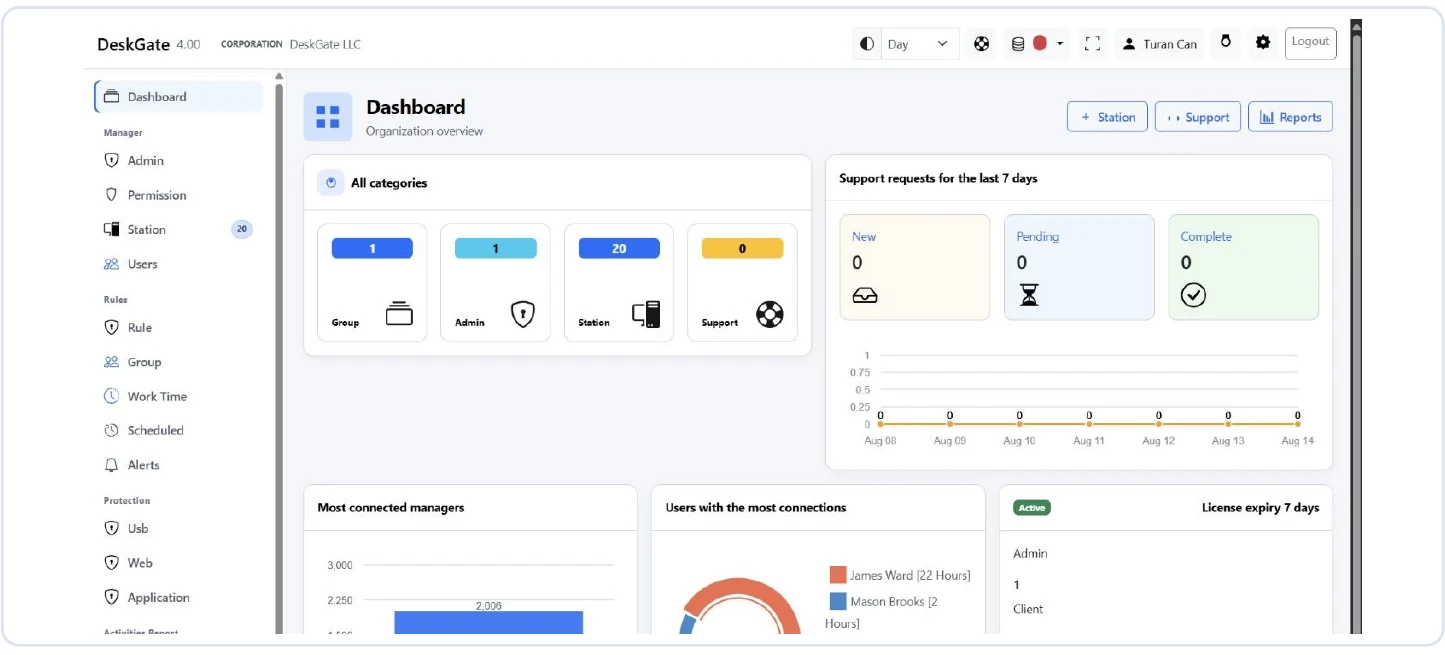 Original DeskGate dashboard showing administration, license and support overview. Open the image for the original view.
The dashboard is a starting point for review, not proof that every listed capability is included in every package. Ask for a demonstration using your intended roles and scope. Continue with the DeskGate platform overview and deployment planning guide.
Validate the choice with a small pilot
- List the questions your team needs the software to answer.
- Define a representative set of authorized pilot devices and reviewers.
- Record deployment effort, reporting results and measured storage growth.
- Review report permissions, exports, operational ownership and recovery procedures.
- Compare the evidence with the budget and acceptance criteria before expanding.
Use the same pilot requirements for each candidate. Keep confirmed results separate from statements that still require vendor clarification.
Common questions
Does self-hosted mean completely offline?
No. Verify the connection, licensing, update and support requirements for the selected product and version. Self-hosted describes operational control, not a universal offline guarantee.
Does using cloud infrastructure make an installation SaaS?
No. If your team still operates the application and database, it has different responsibilities from a vendor-managed application service.
Which option should we buy?
Choose after confirming operating ownership, required evidence, data handling and total cost. The evaluation checklist provides practical questions for that decision.
Evaluate DeskGate with your own requirements
Bring your endpoint count, deployment preferences and required report categories to a guided demonstration.
Request a guided demo